Execute the pipeline with airflow server
Execute the pipeline
Once the pipeline is ready, click on the Run button to execute the pipeline.
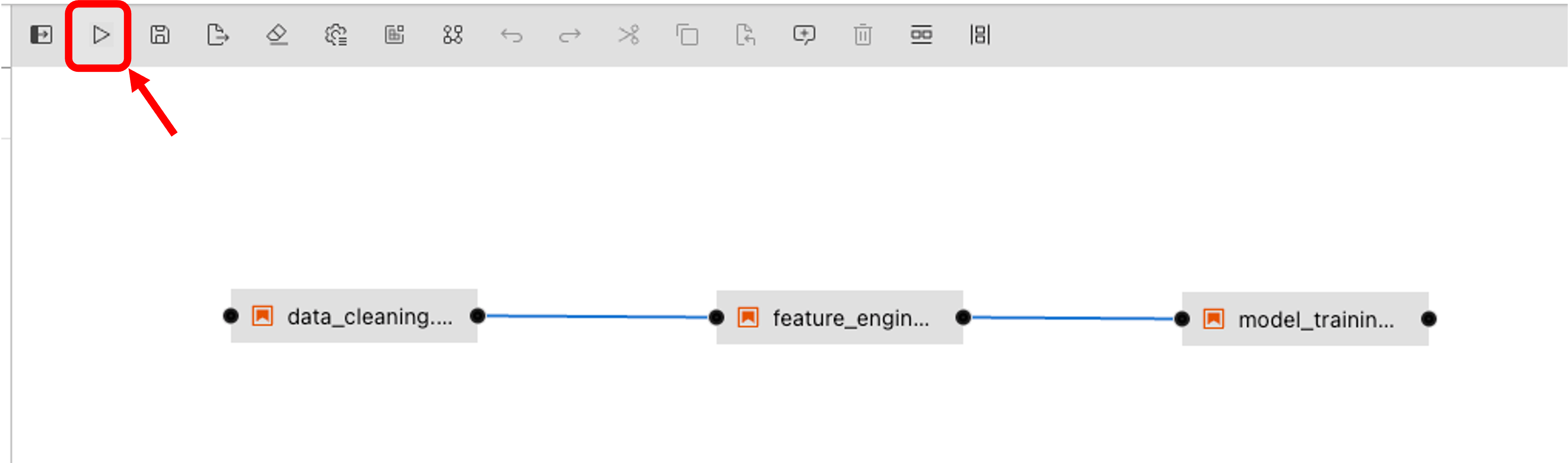
Then select the IDOML runtime defined previously and click on the OK button.
Checkout the pipeline
We can now check out the pipeline by navigating to the airflow server with the following URL:
Check the Pipeline execution
The pipeline execution can be checked by navigating to the Minio server with the following URL:
Login with the following the user account, the execution logs can be found in the bucket defined previously in the IDOML runtime.