Add an user for the platform
First, log in to the IDOML keycloak admin console with the admin credentials (specified in the .env file). You can access it by going to the following URL:
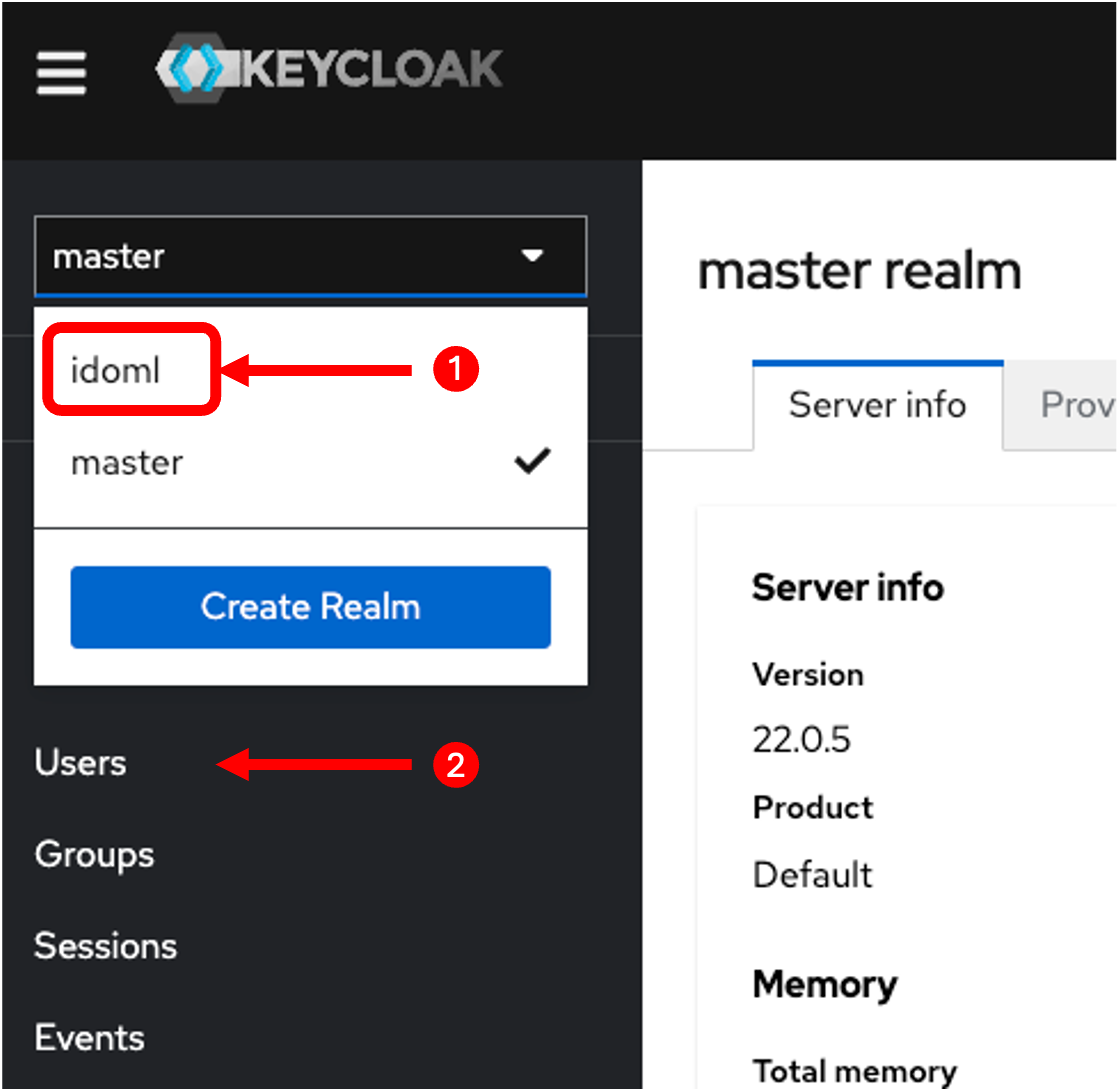
Select the IDOML realm in the top right corner of the screen. Then, click on the "Users" tab in the left sidebar.
Click on the "Add user" button in the top right corner of the screen. Fill in the user details (Username, Email, First Name, Last Name). Click on the "Join Group" button and select the groups that the user should be a part of. Then click on the "Save" button.
Don't forget to set the password for the user. Click on the "Credentials" tab and set the password for the user.