With a template
Elyra Pipeline Template
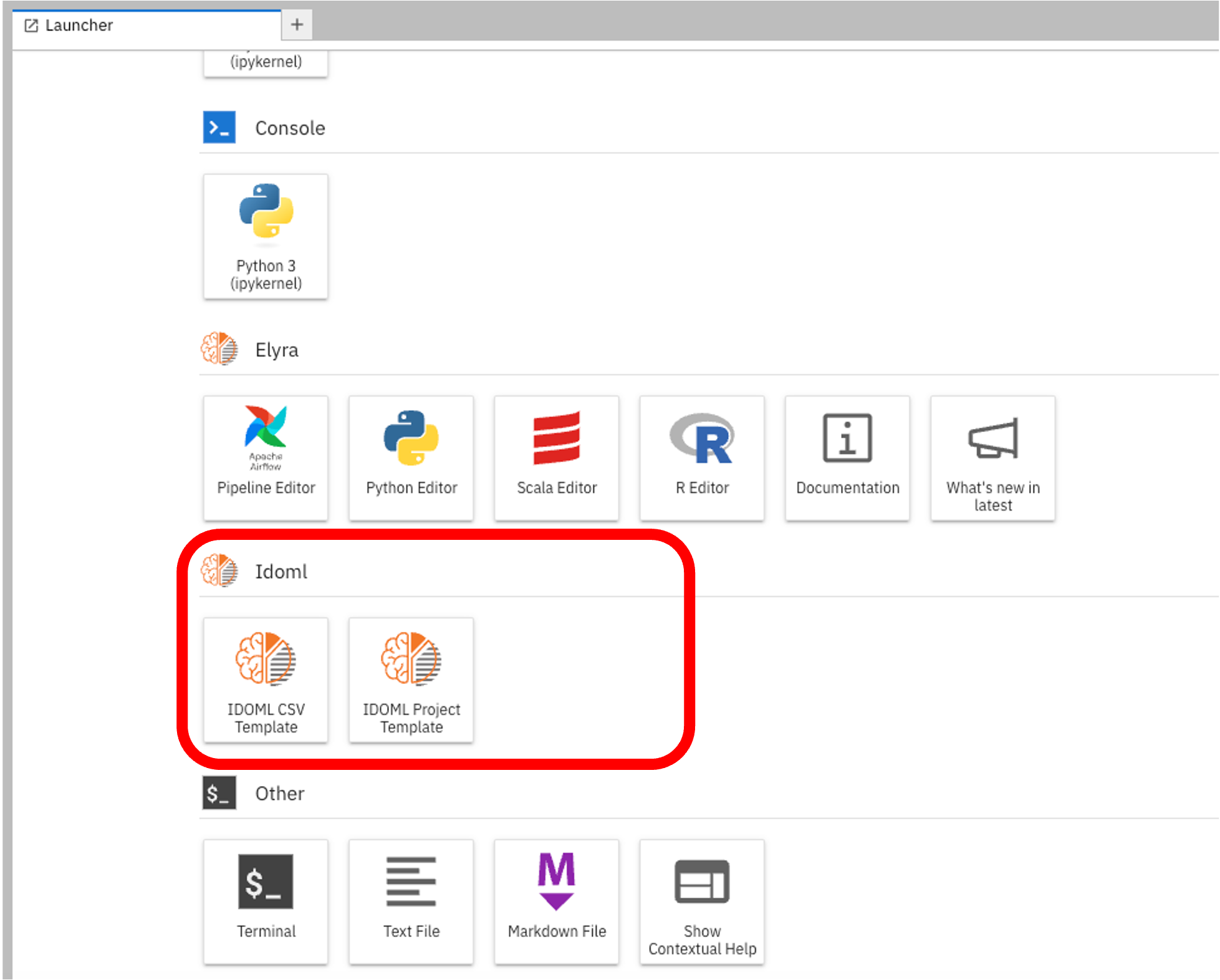
Checkout the following IDOML section on the jupyterhub launcher page:
Creating a new project with template
Click on the IDOML project template Icon to create a new project. This will create a new folder to be renamed with the project name. Now go inside this folder, you will find a basic pipeline template to get you started. Now double click on the pipeline file pipeline.pipeline to open it in the pipeline editor.
graph LR
  A[Data cleaning] --> B[Feature engineering];
  B --> C[Model training];
  C --> D[Model Evaluation];
Adding a new step
If any additional steps are needed, they can be added by clicking on the "IDOML CSV TEMPLATE" icon in the launcher page. This will create a new notebook file with the template to get you started with csv file. Afterward you can just drag and drop the notebook file in pipeline editor to add the step.