Tutorial - LCLD
In this example, we will use the LCLD (LendingClub Loan Charge-offs) data to calculate the loan authorizing status.
Step 1: Logging in to the jupyterhub server
Access the jupyterhub server by navigating to the following URL:
https://jupyterhub.{IDOML_DOMAIN}
Step 2: Cloning the example repository
Open a terminal in the JupyterLab interface. Run the following commands:
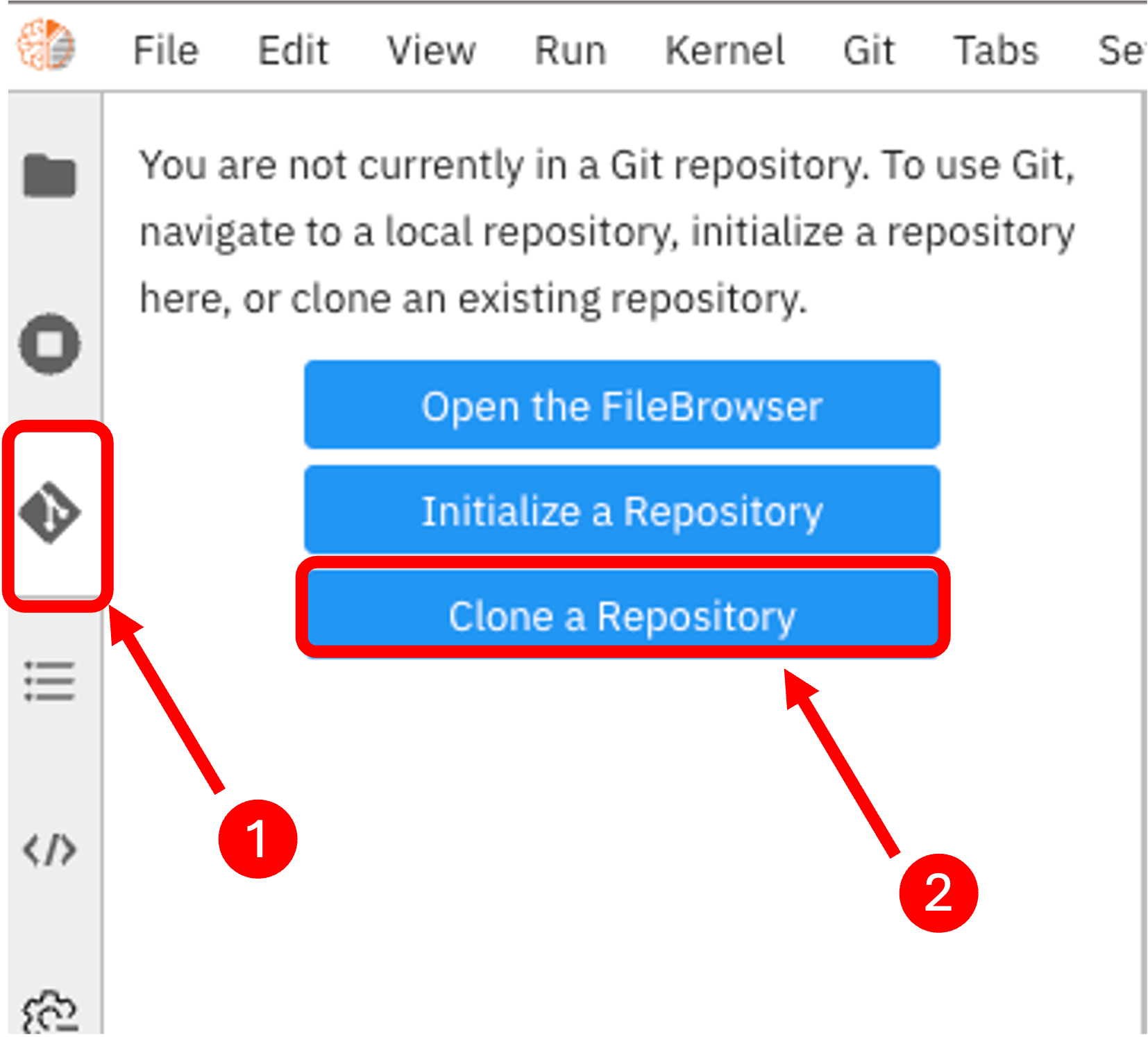
Step 3: Importing the dataset to the platform
In this example, we will use the LendingClub Loan Charge-offs dataset. The dataset can be downloaded by running the data retrieving notebook inside the cloned repository.
Step 4: Running the pipeline
Open the pipeline file lcld.pipeline in the JupyterLab interface. Then click on the run button to execute the pipeline.
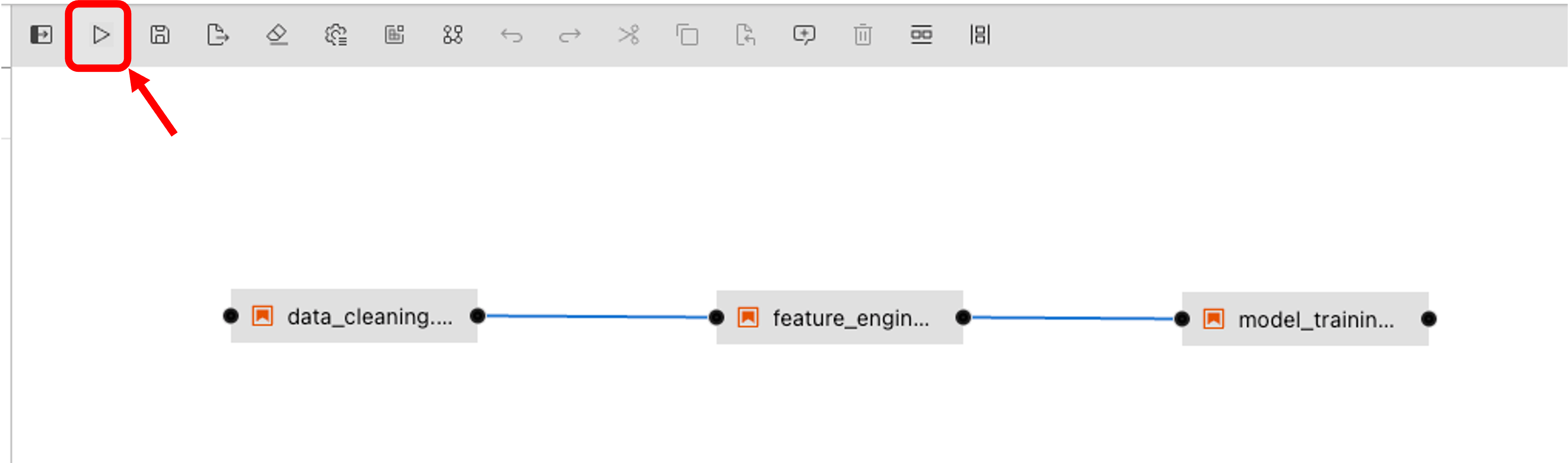
Then select the IDOML runtime defined previously and click on the OK button.
Step 5: Checkout the pipeline execution
We can now check out the pipeline by navigating to the airflow server with the following URL:
Note
If it is the first time you are submitting a pipeline to airflow, you will need to wait airflow to sync the DAGs. This can take a few minutes.
In the meantime, you can check the dag file in the repository which airflow is tracking for the pipeline execution.
Step 6: Check the Pipeline results
Once the pipeline execution is completed, we can check the pipeline results by navigating to the Minio server with the following URL:
Login with the following the user account, the execution logs can be found in the bucket defined previously in the IDOML runtime.
Step 7: Check the ML outcome
After the pipeline execution, we can check the ML outcome by navigating to the MLflow server with the following URL: